
Microscopes and Imaging Hardware
PAXcam microscope cameras adapt easily to a multitude of brands and styles of microscopes and macrostands, through standard C-mount couplers provided by MIS. We also work with local dealers and with suppliers to provide quality optics and microscope packages as turnkey solutions for your imaging application.
In addition to our standard PAXcam and software packages, our team is experienced with systems integration for meeting the demanding needs of specialty lab projects. This may include customized optics as the front-end for the camera system, specialty lighting, staging, controls, and more. Many clients take advantage of our ability to provide the total package of hardware and software, and we will be happy to discuss your particular requirements to provide the perfect integrated system to meet your needs.
Contact MIS for more information on putting together a system for you that can include any of the following hardware components (or contact MIS for more specialized, custom needs):
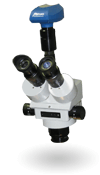
Stereozoom Microscopes
 | Typical Applications | Notes |
|---|---|---|
| Click-stops on the zoom control allow for reproducible mag settings for calibrated measurements. |
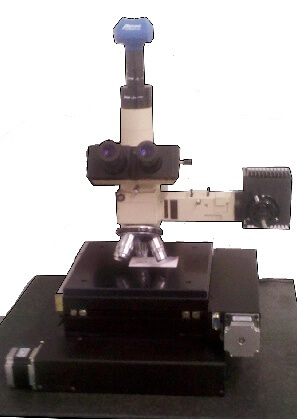
Upright Compound Microscopes—Reflected light
 | Typical Applications | Notes |
|---|---|---|
| Including all necessary optical techniques (brightfield, darkfield, polarized light, etc) |
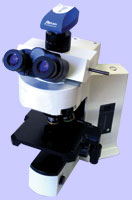
Upright Compound Microscopes—Transmitted light
 | Typical Applications | Notes |
|---|---|---|
| Including all necessary optical techniques (brightfield, darkfield, polarized light, phase contrast, etc) |
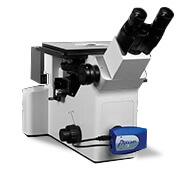
Inverted Compound Microscopes Reflected light
 | Typical Applications | Notes |
|---|---|---|
| Including all necessary optical techniques (brightfield, darkfield, polarized light, etc) |
Inverted Compound Microscopes Transmitted light
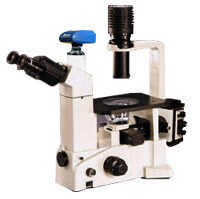 | Typical Applications | Notes |
|---|---|---|
| Including all necessary optical techniques (brightfield, darkfield, polarized light, phase contrast, etc) |
Depth Cam
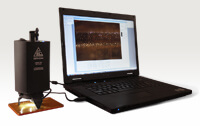 | Typical Applications | Notes |
|---|---|---|
| Portable depth measurement system for QC or failure analysis |
High Mag Lensing
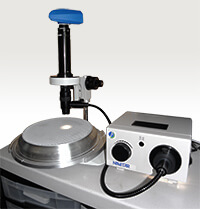 | Typical Applications | Notes |
|---|---|---|
| Microscope lens on a PAXcam, when whole microscopes are not needed. Macro zoom lenses are also available. |
Macro Stands / Gross Imaging Stations
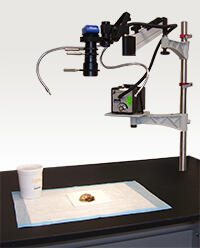 | Typical Applications | Notes |
|---|---|---|
| High quality macro imaging with easy workflow. Fixed lens or zoom lens systems available. |
Motorized Stages
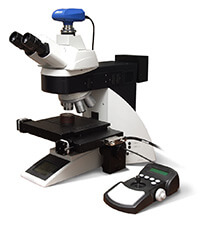 | Typical Applications | Notes |
|---|---|---|
| Automation for inspection or analysis processes |
Couplers
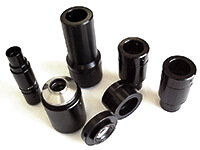 | Typical Applications | Notes |
|---|---|---|
| Couplers for most microscope brands and models |
Micrometers & Gauge Blocks
 | Typical Applications | Notes |
|---|---|---|
| Available certified and traceable to NIST |
Stands
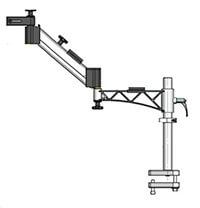 | Typical Applications | Notes |
|---|---|---|
| Boom stands (fixed, or with ball bearing movement or articulating arms), for scopes or macro setup; custom stands and mounts |
Illuminators
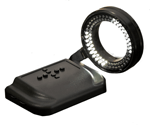 | Typical Applications | Notes |
|---|---|---|
| Fiber optic and LED illumination, including goose necks, ringlights, coaxial illuminators and light bar configurations |